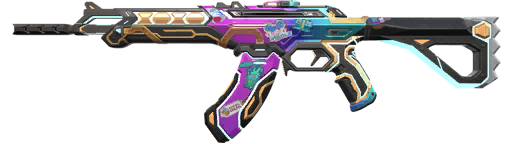
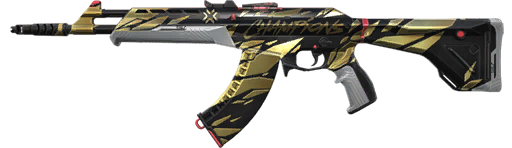
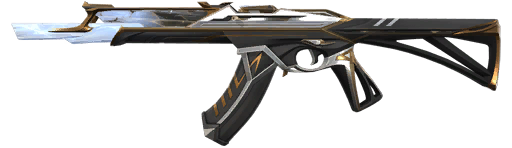
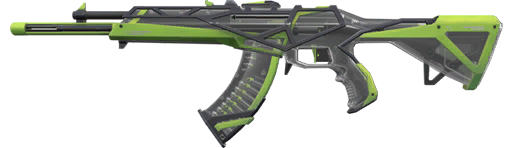
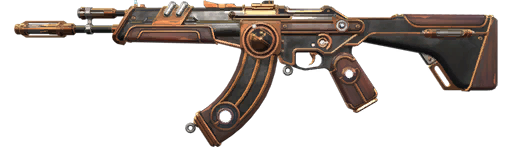
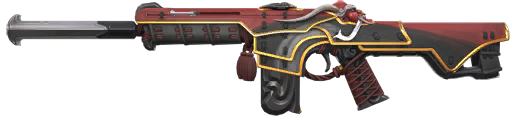
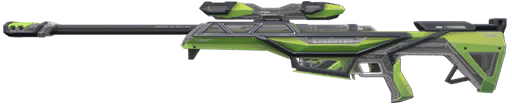
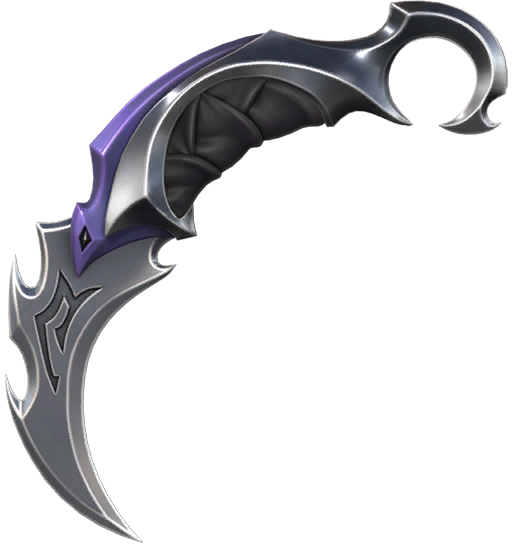
Side-by-side · Every new drop · Windows

The Valorant skin preview tool for the indecisive buyer

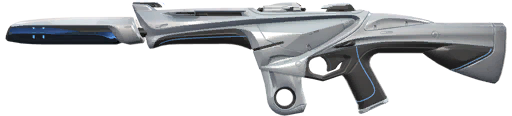
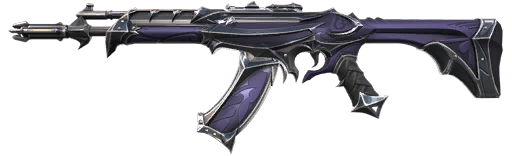
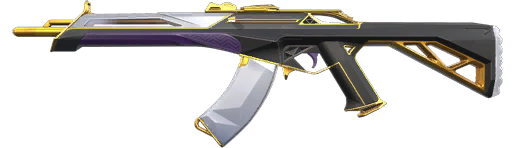
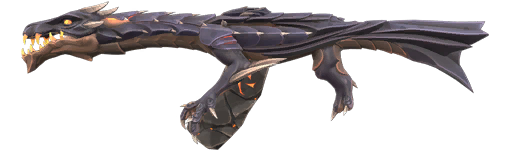
Built for the player who reads every Riot patch note before clicking buy. Side-by-side preview of every Valorant new skin bundle the moment it drops.

Updated weekly Full kit per skin No login
Phoenix previewing a Valorant skin loadout in the practice range
0
Skins indexed
0
Catalog refresh
0
Bundles tracked
0
Side-by-side slots
Why preview instead of just buying

VP is non-refundable — read before you click

Side-by-side comparison

Drop two Valorant skin bundles into the comparison view. Same range, same lighting. Easy A/B.

New drops within a week

Catalog matches Riot's two-week cadence. Metadata pulled fresh from public asset feeds.

Audio kit, not just textures

Reload sound, equip chime, finisher banner — the parts of a skin a static thumbnail cannot show.
Buyer reference

Valorant skin prices by tier — quick lookup

TierWhat you typically getPer-weapon VPIn preview
SelectColor swap, basic reload875 VPIncluded
DeluxeNew model, equip sound1,275 VPIncluded
PremiumAnimated finisher, custom audio1,775 VPIncluded
UltraFull transformation, themed VFX2,475 VPIncluded
ExclusiveEsports / limited edition2,675 VP+Included

The most expensive Valorant skin tier — Exclusive — is the one buyers most often regret without preview. Champions bundles never return after they sell out.

Quick start

Five steps to your first preview

  1. Grab the installer from the download page.
  2. Close Valorant and exit Riot Vanguard from the system tray.
  3. Open the preview tool — no Riot account login required.
  4. Pick two skins for side-by-side, or browse single previews.
  5. Launch the practice range; both skins are equipped on swap weapons for the comparison.
Note: use in custom games and the practice range. Keep the tool out of competitive queues — Vanguard governs match integrity.
Before you decide

What every Valorant skin checker should know

  • Catalog updates within seven days of every Riot store rotation.
  • Side-by-side mode runs in the practice range only.
  • Does not unlock anything in your Riot inventory.
  • Champions and esports drops carry visual preview, not the full licensed kit.
  • See how to uninstall for clean removal — same flow as how to uninstall Valorant rigs.
Questions

Valorant skin preview · FAQ

How fast does a Valorant new skin show up in the preview?
Within seven days of the Riot store drop. Metadata is pulled from Riot's public asset feed and rebuilt nightly.
Can I compare two skins side-by-side in the same match?
In the practice range, yes — the preview tool puts one skin on the primary and the second on the swap slot. Easy A/B.
What is the rarest Valorant skin you carry?
Champions 2021 Vandal and Champions 2022 Karambit are the rarest in the catalog — Riot does not re-sell them, so the preview is the only way to hold them.
Are Valorant skin prices stored in the tool?
Yes — every variant carries its VP price from the Riot store at launch. Useful when comparing tier value.

Stop guessing before you spend VP

Every bundle preview, every reload sound, every finisher — read it in your own hands before the next Riot store reset.